A JennAir wall oven that will not unlock after self-clean is frightening—and often a latch, sensor, or cooldown sequence that needs patience and proper steps, not force.
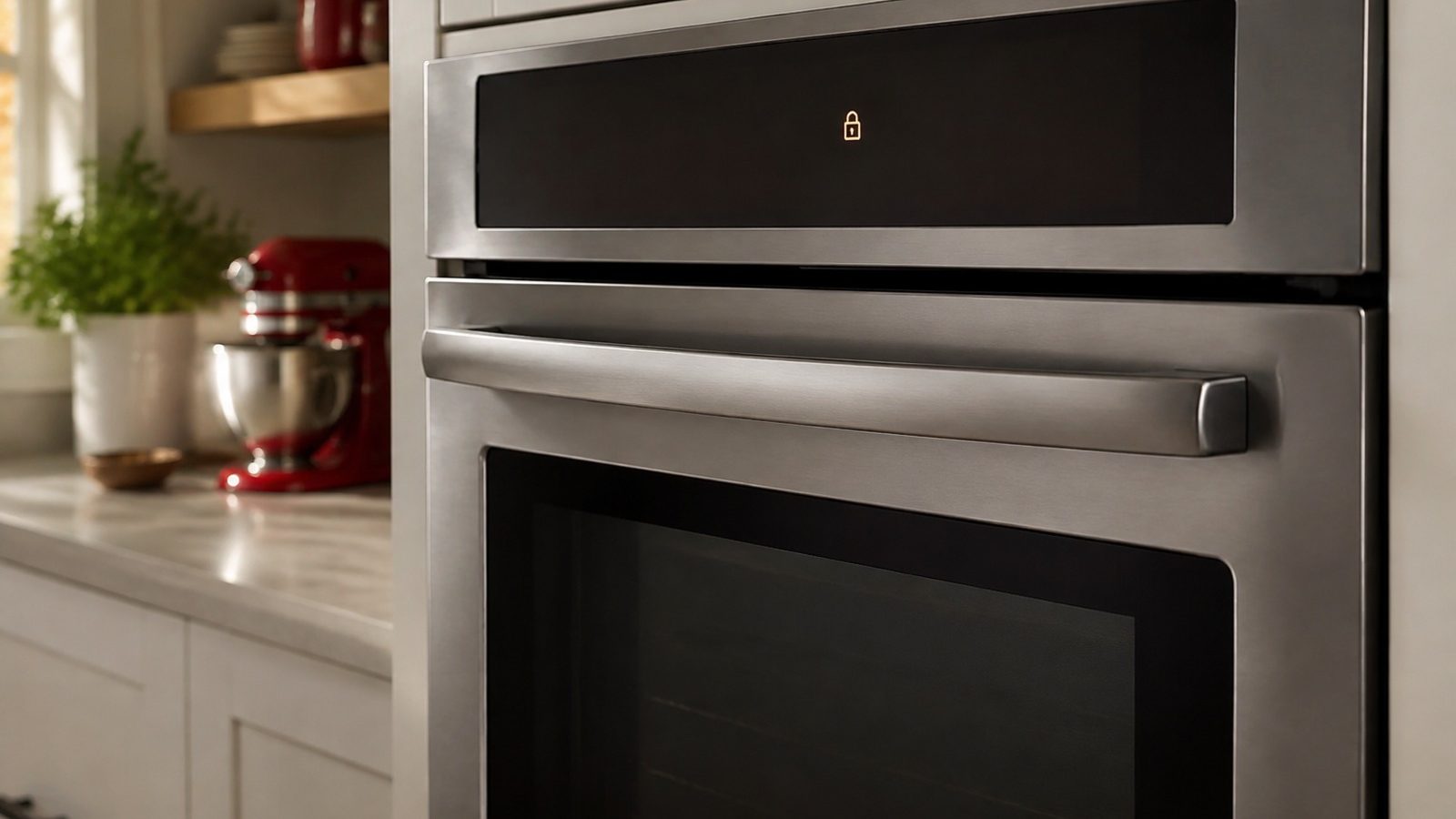
A JennAir wall oven that stays locked after self-clean is usually still cooling. The product help says the cycle time already includes a 30-minute cool-down, and that the oven must cool to about 200 degrees Fahrenheit before the door will open. Press Cancel/Off and give it time. If the door stays locked long after that, or a fault code shows, book service instead of forcing it.
Self-clean cycles heat the cavity far beyond normal baking. The door lock exists so no one opens into that heat. When the cycle ends but the lock remains, the oven is still protecting you—or a component disagrees about temperature.
Force never belongs at a locked JennAir door. The glass and latch mechanisms are engineered for controlled release, not pry bars.
The control locks the door early in self-clean and should release after the cavity cools below a safe threshold—often long after the display says clean complete.
Latch motors and switches can fail mid-cycle, leaving the hook engaged even when temperature sensors read cool. The display may show a fault code alongside the lock icon.
Power loss during self-clean can strand the latch in an unknown state until power returns and cooldown logic runs—or until service intervenes safely.
The door locks about 6 seconds after the cycle starts, and if the door is not fully closed it will not lock and the cycle will not begin. That detail matters when an owner finds the oven apparently stuck: a cycle that started means the lock engaged on purpose.
The product help also lists steps before a cycle. Take out racks, pans, and foil, and wipe the door edge and about 1.5 inches around the cavity frame by hand without moving the gasket. Fumes during self-clean can be fatal to certain birds, so keep pet birds out of the kitchen.
| Display state | Wait time | Meaning |
|---|---|---|
| Clean complete, lock icon | 30–90 minutes cool | Normal cooldown may still be active |
| Fault code plus lock | Beyond manual | Latch or sensor fault likely |
| Dark display, locked | After breaker restore | Interrupted cycle needs professional release |
Allow generous cooldown time—integrated ovens retain heat in insulation. If children are present, keep them away from the warm glass even when the kitchen feels cool.
Try one controlled breaker reset only if the manual permits and no fault code indicates active lock motor failure. Do not repeat resets in a loop.
Safe to try
Leave to a technician
For an oven that finished its clean, press Cancel/Off, wait 20 to 30 seconds, and try the door. A second documented option is turning the breaker off for one minute and back on. Models with a manual latch have a different procedure in their manual, so use the manual for your oven instead of borrowing a method from another model.
A successful release tells you the control needed a moment to settle, not that the latch is sound. A door that locks again after the next bake is a different problem from a door that was still hot.
Power blips mid-clean often produce lock complaints the next morning—not because the oven is broken, but because cooldown never finished under continuous power.
Repeat lock failures on standard bakes point to weakening latch motors or misaligned door hinges after heavy use.
The outer glass may feel warm while the control still reads above internal lock release temperature—wait longer than your instinct suggests.
Porcelain-on-steel interiors can discolor, lose gloss, develop hairline cracks, or pop while heating and cooling, and the product help calls this normal. Those signs after a clean do not mean the lock has failed.
Technicians use manufacturer-safe release procedures, test latch motor current, and verify door switch alignment—never brute force on integrated installs.
We inspect for warped hinges or proud custom trim that prevents latch hooks from disengaging fully.
A locked door after self-clean is usually time or a latch conversation—not a reason to fight the hardware. Wait wisely, record codes, and call when release never arrives.
The cycle time includes a 30-minute cool-down, and the door will not release until the oven has cooled to about 200 degrees Fahrenheit. Pressing Cancel/Off and waiting is the documented first step.
No. The lock is a safety feature, and prying risks glass and latch damage. Wait for the cooldown, use the documented release steps, and book service if it will not release.
The door must be fully closed for the cycle to start and the lock to engage. Check that nothing sits in the door path and the gasket area is clear.
Official manuals and support notes are available on JennAir owner support.
Write down the full model number before ordering parts. Board and sensor revisions can change which part number is correct.
A single power reset can clear a temporary fault, but repeated returns of the same code usually mean a physical cause remains.
Keep vents and filters clear between visits. Restricted airflow often mimics electrical or sensor failures.
If water, burning smells, or sparking are present, stop using the appliance and arrange a professional inspection.
Often up to two hours for full lock release on wall ovens.
Unplugging rarely unlocks immediately; can complicate recovery after interrupted cycles.
Not if the cycle completed—insulation holds heat safely; monitor for abnormal smells.
Force risks damage and safety; manufacturer policies vary on resulting claims.
What to Expect During a JennAir Appliance Diagnostic Visit should be handled as a sequence of questions. Each safe check should confirm…
Continue readingJennAir Error Codes: How to Read F and E Codes Safely should be handled as a sequence of questions. Each safe check…
Continue readingA focused diagnostic visit on JennAir built-ins saves time and repeat trips. A little preparation turns an hour on-site into answers—not another…
Continue readingShare a few details and we’ll confirm an appointment. Prefer to talk? Call us and we’ll help right away.