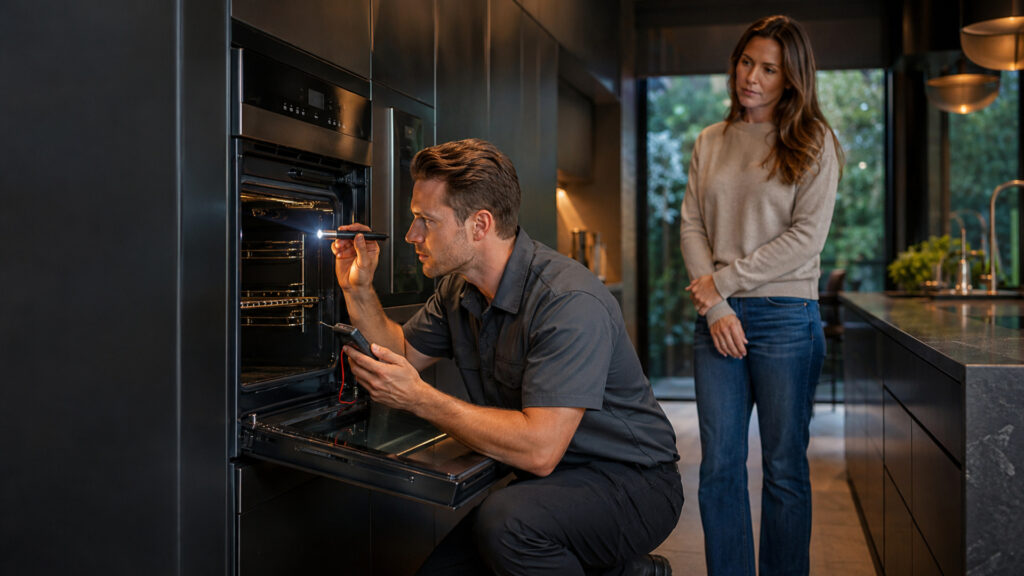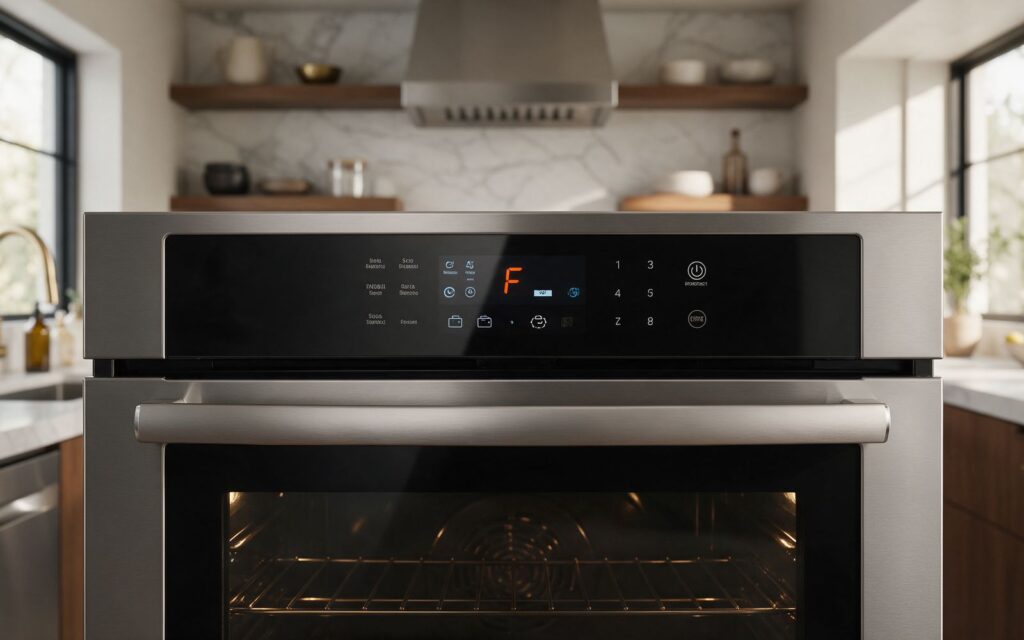
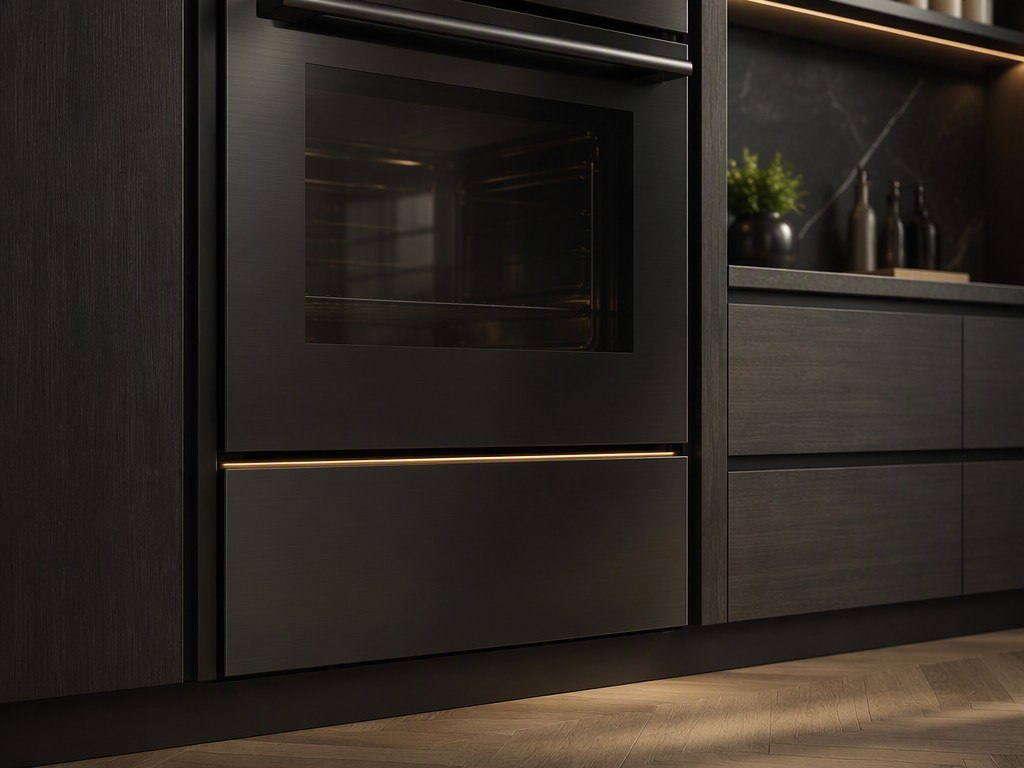
A silent JennAir warming drawer when guests are en route is stressful. Power, settings, and element paths each offer safe first checks.
A JennAir warming drawer that stays cool usually comes down to a mode that was not actually started, a lock or timer state, or power that is not reaching the unit. Check those first, allow a full warm-up with an empty drawer, and stop if the drawer is still cold. Opening panels or touching element wiring is not an owner task.
Warming drawers finish the choreography of a JennAir kitchen—holding plates warm while wall ovens roast and sauces wait on the rangetop.
When the drawer feels cool but the display shows heat, believe your hand first, then investigate settings and power—not guess at elements behind panels.
The distinction that matters most is whether the drawer is dead or merely idle. A drawer with a dark control may have no power, while one with a lit control that will not warm is more likely waiting for a setting or a time.
Warming drawers use low-wattage elements and precise thermostats tuned for food-safe holding—not rapid heating. Expect gradual warm-up over twenty to forty minutes.
Control lock, Sabbath or demo modes, and missed timer settings leave the drawer off while looking active on quick glance.
Shared circuits with downdraft or cooktop loads can trip breakers silently on some installs—drawer dead while other appliances still work on other legs.
| Observation | Likely cause | Safe check |
|---|---|---|
| Display on, cavity cool | Mode or timer | Verify heat mode and duration |
| No display | Power or breaker | Check dedicated breaker label |
| Warm then cold | Overheat cutoff or wiring | Note cycle; do not open panels |
Confirm you selected a heat mode—not simply idle or timer off. Many JennAir drawers require explicit preheat acknowledgment on touch controls. The manufacturer’s help page for a warming drawer that is not working starts with the control itself: push in and turn the knob, and confirm the indicator stays lit.
Do not open side panels or touch element wiring. Warming drawers share high-voltage paths with adjacent ovens in some stacks.
The same help page tells owners to confirm the drawer is plugged into a grounded three-prong outlet where it is cord-connected, and to turn the breaker off for one minute and back on once before calling an electrician. If the problem persists after that, the page points to an electrician rather than repeated attempts.
Safe to try
Leave to a technician
When you call, the exact model matters because control layouts and heat settings differ between drawers. On the manufacturer’s product help pages, the model and serial plate for a warming drawer sits above the receiving slide on the left, and the drawer has to be removed to read it. That is a reason to find the model in your paperwork or manual first rather than pulling the drawer out yourself.
A cool drawer with a lit display does not by itself mean a failed element. Because the unit is built for gentle holding temperatures, it can feel only mildly warm even when working, and a hand on the base is a poor measure of the setpoint. A drawer that never warms across a full cycle with confirmed power and a started mode is a different story from one that was never actually started.
Likewise, a dark display does not prove the drawer itself has failed. A tripped breaker or a switched-off supply produces the same look, and an element problem cannot show up before power is confirmed.
New installs with cool drawers sometimes trace to unremoved shipping foam blocking vents—not element failure.
Drawers below wall ovens can inherit heat when oven vents misdirect—feels warm at control but not at setpoint; install review helps.
If the drawer is still cold after forty-five minutes on a medium hold setting with confirmed power, service is reasonable—not more button mashing.
Using that patience window well means leaving the drawer closed, empty and undisturbed. Opening it to check often resets the warm-up and clouds what you see.
We test element continuity, thermostat cutouts, and control outputs with the drawer partially extracted per service procedure—protecting surrounding cabinetry.
Stack wiring between oven and drawer gets verified when heat loss correlates with oven use.
Warming drawers reward patience and correct modes. Confirm power and preheat time, then let a technician trace elements when the rack stays cold through a timed test.
The mode may not be started, a lock or timer may be active, or the drawer may still be warming up, since these units heat gradually. If it stays cool through a full warm-up with confirmed power, service is reasonable.
One reset, with the breaker off for a minute, is the step the manufacturer’s help describes. If the drawer is still not working, avoid repeating it and arrange service.
No. Opening the housing or touching wiring exposes live electrical parts, and the drawer may share circuits with other appliances in the stack.
Yes, since controls, modes and labels differ between models. The use-and-care manual for your model shows how the heat setting is started.
Official manuals and support notes are available on JennAir owner support.
Write down the full model number before ordering parts. Board and sensor revisions can change which part number is correct.
A single power reset can clear a temporary fault, but repeated returns of the same code usually mean a physical cause remains.
Keep vents and filters clear between visits. Restricted airflow often mimics electrical or sensor failures.
If water, burning smells, or sparking are present, stop using the appliance and arrange a professional inspection.
Typically 90–200°F depending on mode—see manual for food-safe presets.
Only if manual allows; flammable materials need caution.
Yes—drawer has heat unless power is shared and tripped.
Mild warmth possible; hot exterior panels need service.
What to Expect During a JennAir Appliance Diagnostic Visit should be handled as a sequence of questions. Each safe check should confirm…
Continue readingJennAir Error Codes: How to Read F and E Codes Safely should be handled as a sequence of questions. Each safe check…
Continue readingA focused diagnostic visit on JennAir built-ins saves time and repeat trips. A little preparation turns an hour on-site into answers—not another…
Continue readingShare a few details and we’ll confirm an appointment. Prefer to talk? Call us and we’ll help right away.