JennAir Error Codes: How to Read F and E Codes Safely should be handled as a sequence of questions. Each safe check should confirm or eliminate one condition while preserving codes, model information, and the original…
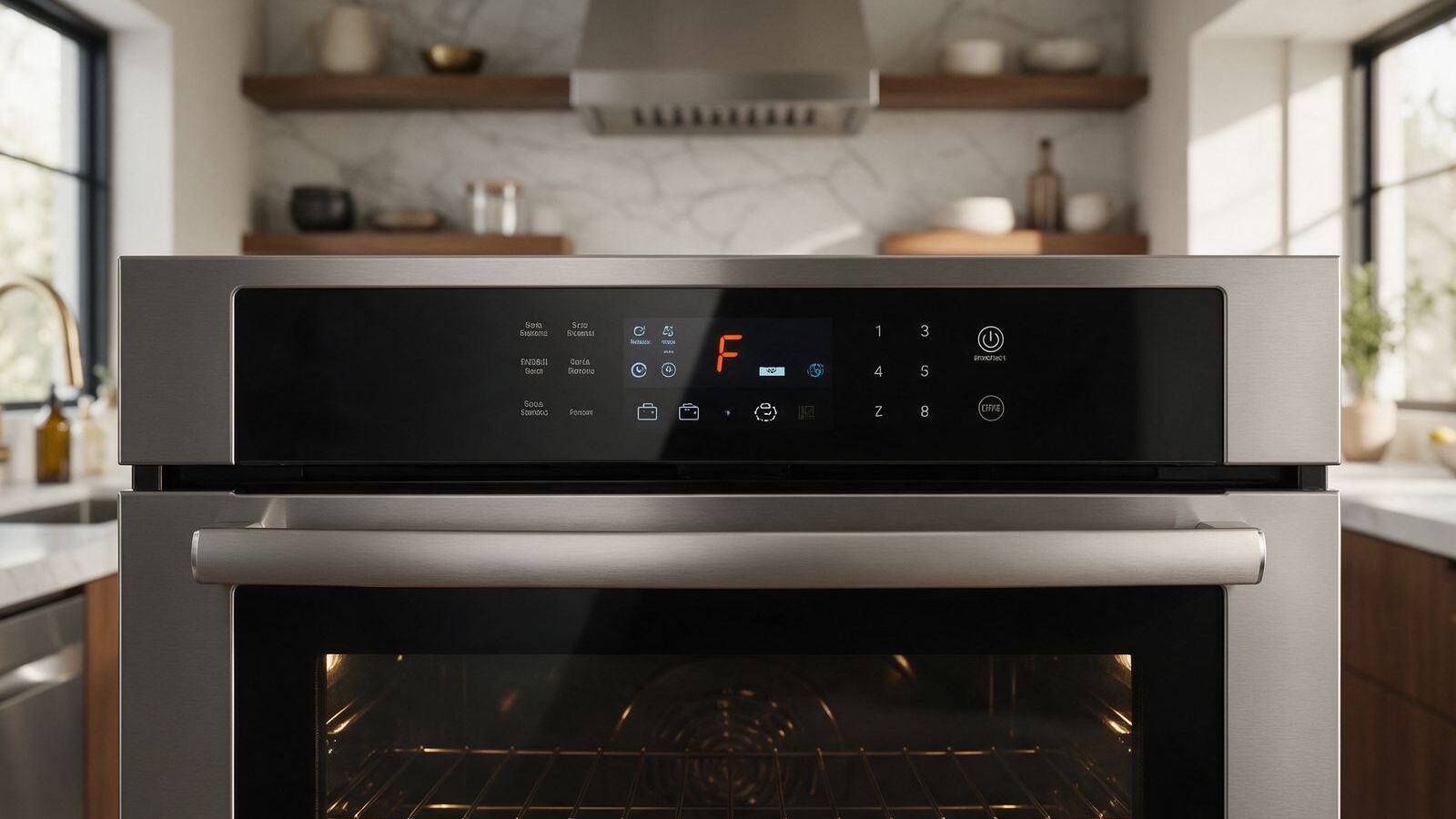
A JennAir F or E code is a clue that only makes sense with the appliance type and model attached, because the same characters can mean different things on different platforms. Photograph the full display before clearing it, note the appliance type and model number, and try one documented power reset at most. If the code returns, book service with those details in hand.
JennAir Error Codes: How to Read F and E Codes Safely should be handled as a sequence of questions. Each safe check should confirm or eliminate one condition while preserving codes, model information, and the original symptom for model-aware diagnosis.
Do not change several conditions at once. If power is reset, settings are changed, filters are cleaned, and the appliance is moved in the same attempt, the evidence becomes harder to interpret.
| What you see | What it can point to | What you can check |
|---|---|---|
| F# E# or E# F# on a wall oven | A fault code on that platform, in either order | Record it exactly; one breaker reset is documented, then watch for a minute |
| F9 or F9 E0 | On some models, a miswired supply or power-line noise during an outage | Report it with the outage history |
| PF or a flashing time of day | A power failure occurred | Press Cancel and reset the time |
| LOC or Lock | Control lock, not a fault | Turn the lock off per the manual |
| SAB or CAL | Sabbath mode or calibration feature active | Check the manual to exit |
| C on the display | Celsius mode on some ovens | Change the temperature unit in the manual |
JennAir spans multiple premium appliance families, so a generic brand-only answer is often too broad. Model number, appliance type, installation, and the exact symptom are the minimum context needed before technical information is applied. Models and error codes are repair references, not shopping catalog content.
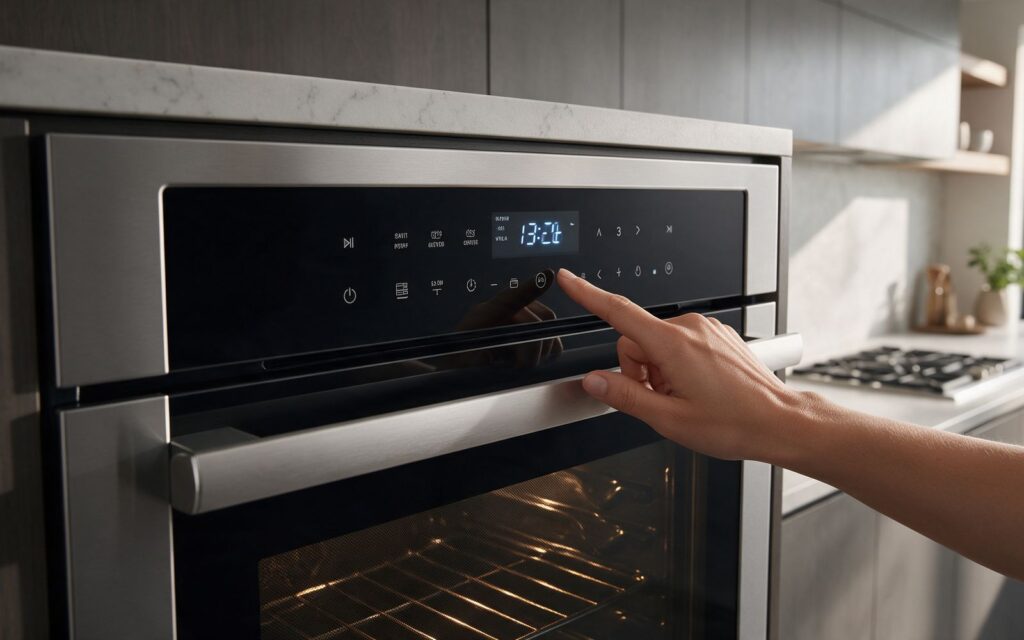
Several things that look like faults are status indicators. On many wall ovens, LOC or Lock means control lock, SAB means Sabbath mode, and CAL means the calibration feature is active. A C on the display means Celsius mode, and the oven will not heat above 260 on the display in that case.
These are documented on JennAir support pages for wall ovens and ranges. Because other appliances use their own indicators, do not carry a meaning from one appliance family to another.
Change one condition at a time and record the result. Confirm the operating state, compare a related function that still works normally, perform one safe external check, and reassess. If the symptom remains, preserve codes and model information instead of stacking resets or guesses.
The technical baseline contains 243 unique code strings, but a code string is not enough by itself. The same normalized characters can exist on different appliance types with different meanings. Treat appliance family and model/platform as part of the code identity.
The documented power reset on many wall ovens is to turn the breaker off for one minute, turn it on, and watch for a minute to see whether the code returns. A code that comes back right away points away from a glitch and toward something that needs testing.
Record the code before the reset. A cleared display loses the one piece of evidence the technician can use to narrow the fault family.
A good diagnostic visit should reproduce the symptom or use your observations to select a narrow test path. Depending on the appliance, that may mean comparing temperature or sensor readings, checking a fan or pump command, confirming water flow, evaluating ignition behavior, reading stored diagnostics, checking control output, or proving that the external installation and utility conditions are normal.
The goal is not to replace the most commonly mentioned part. The goal is to identify the failed system, confirm that the proposed repair matches the exact model, and explain what work is inside the appliance repair scope.
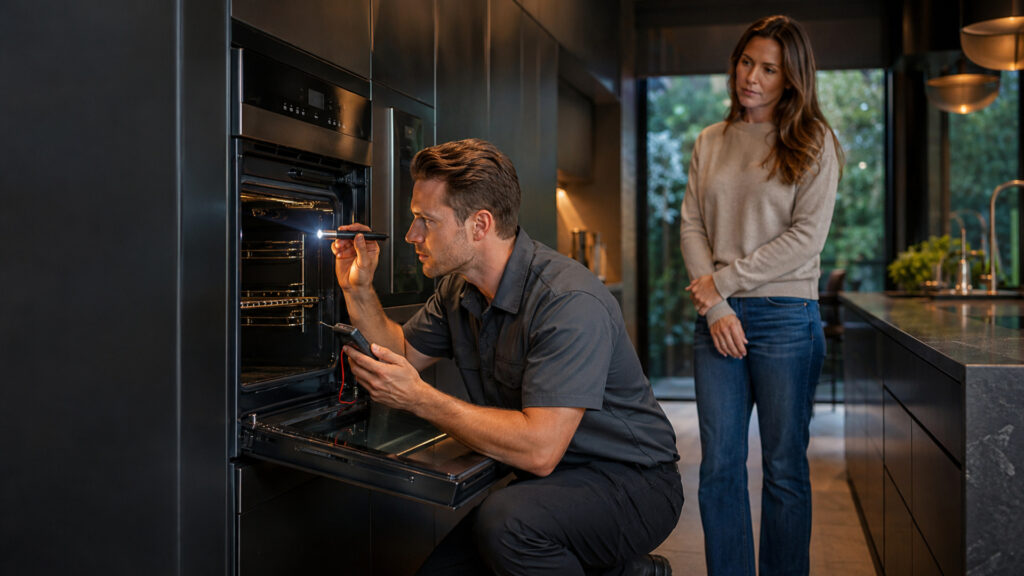
Leave built-in, panel-ready, or tightly fitted JennAir appliances installed unless the service team specifically asks for access. Unplanned extraction can disturb cabinetry, panels, flooring, gas, water, drain, ventilation, or electrical connections and create a second problem.
If the appliance is integrated, provide access information when booking: custom panels, service elevators, gated entry, parking/loading limits, unusual cabinet clearances, or adjacent appliances that restrict service access.
Write down the complete JennAir model number, the exact symptom in one sentence, when it began, whether it is constant or intermittent, what related function still works normally, and any displayed code, message, light pattern, or alarm before power is reset. Also note recent power, water, gas, drain, ventilation, cleaning, filter, or installation events.
These details often reduce duplicate owner-level checks and help the technician arrive with a better model-specific starting point.
Do not clear codes before documenting them. Do not order a part because another JennAir owner reported a similar symptom. Do not apply one code meaning across unrelated appliance families. The site technical library must keep appliance/model context, especially for F/E-style codes that can appear on different platforms.
Avoid internal electrical testing, gas-pressure work, sealed-refrigeration work, safety-device bypassing, or microwave cabinet removal. Those steps require proper service information, tools, and training.
Codes may appear as F# E# or E# F#, depending on the platform. The order is part of the code, so write it down exactly as shown.
No. A code points to a fault area on a specific platform, not to a part. A technician confirms the cause with tests.
Capture it first. If you reset, do one documented power reset only, and report whether the code comes back.
For adjacent symptoms, read Where to Find a JennAir Model and Serial Number Before Maintenance or Service and Preventive Maintenance for Built-In JennAir Appliances. The JennAir error-code directory and JennAir model directory should be used when the exact code/model context is known.
If the live production route differs from the route above, preserve the working existing slug and map the link to that URL rather than creating a duplicate page.
Use one normal manual-approved restart when appropriate. Record any code or message first. If the same symptom returns, repeated resets are not a repair.
Usually no. Similar symptoms can come from different components, installation conditions, or external utilities.
No. Keep homeowner checks external and model-appropriate.
Yes. JennAir has multiple product generations and appliance families. The same symptom or code can require a different diagnostic path on another platform.
What to Expect During a JennAir Appliance Diagnostic Visit should be handled as a sequence of questions. Each safe check should confirm…
Continue readingA focused diagnostic visit on JennAir built-ins saves time and repeat trips. A little preparation turns an hour on-site into answers—not another…
Continue readingAfter a blackout, JennAir built-ins may show blank displays, lock icons, or fault codes. A calm reset sequence protects logic boards and…
Continue readingShare a few details and we’ll confirm an appointment. Prefer to talk? Call us and we’ll help right away.