After a blackout, JennAir built-ins may show blank displays, lock icons, or fault codes. A calm reset sequence protects logic boards and your patience.
After a power outage, JennAir controls often need one controlled restart, not repeated button presses. Check the breaker, look for lock, Sabbath or Showroom states, press Cancel on any flashing time of day, and give refrigeration time to recover. If a unit stays unresponsive after one documented reset, book service.
Power returns unevenly—surges first, then sag, then stability. Integrated appliances with touch controls and lock circuits wake up confused more often than they fail permanently.
The goal is one controlled restoration, not frantic button mashing on every appliance in the suite simultaneously.
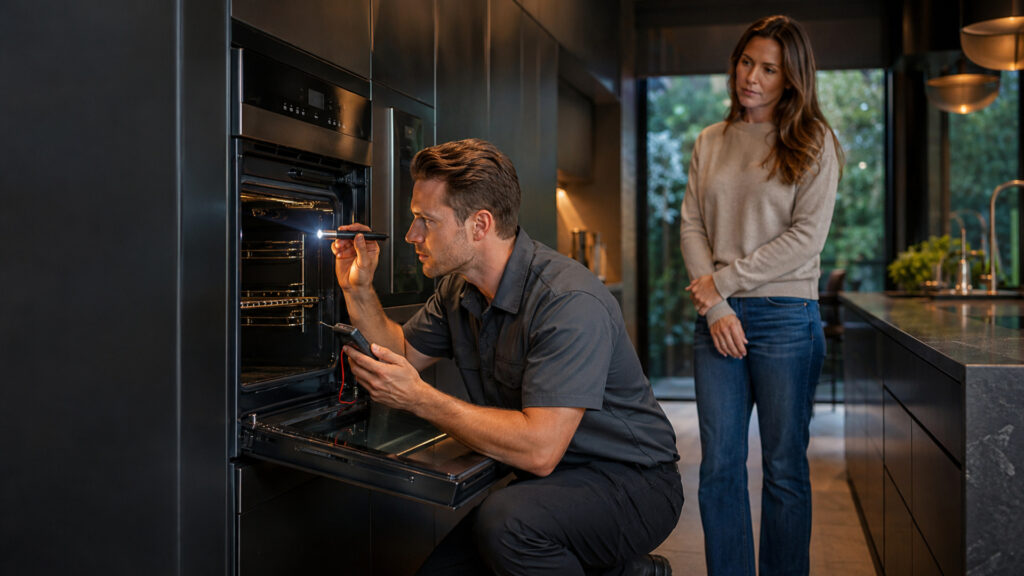
Wall ovens and microwaves may show lock or error states until cooldown or reset completes—especially if outage hit mid self-clean or cook cycle.
Columns and wine units may silence compressors briefly on restart while controls run diagnostics—allow hours before assuming cooling loss.
Induction and downdraft modules sometimes need breaker-level power cycle to clear UI freeze while interior components remain fine.
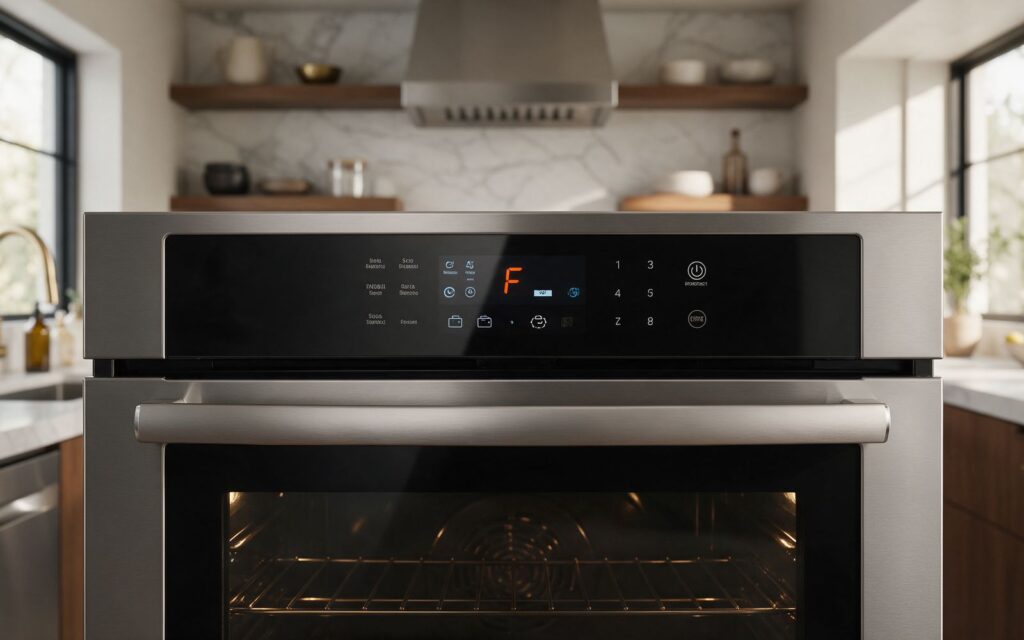
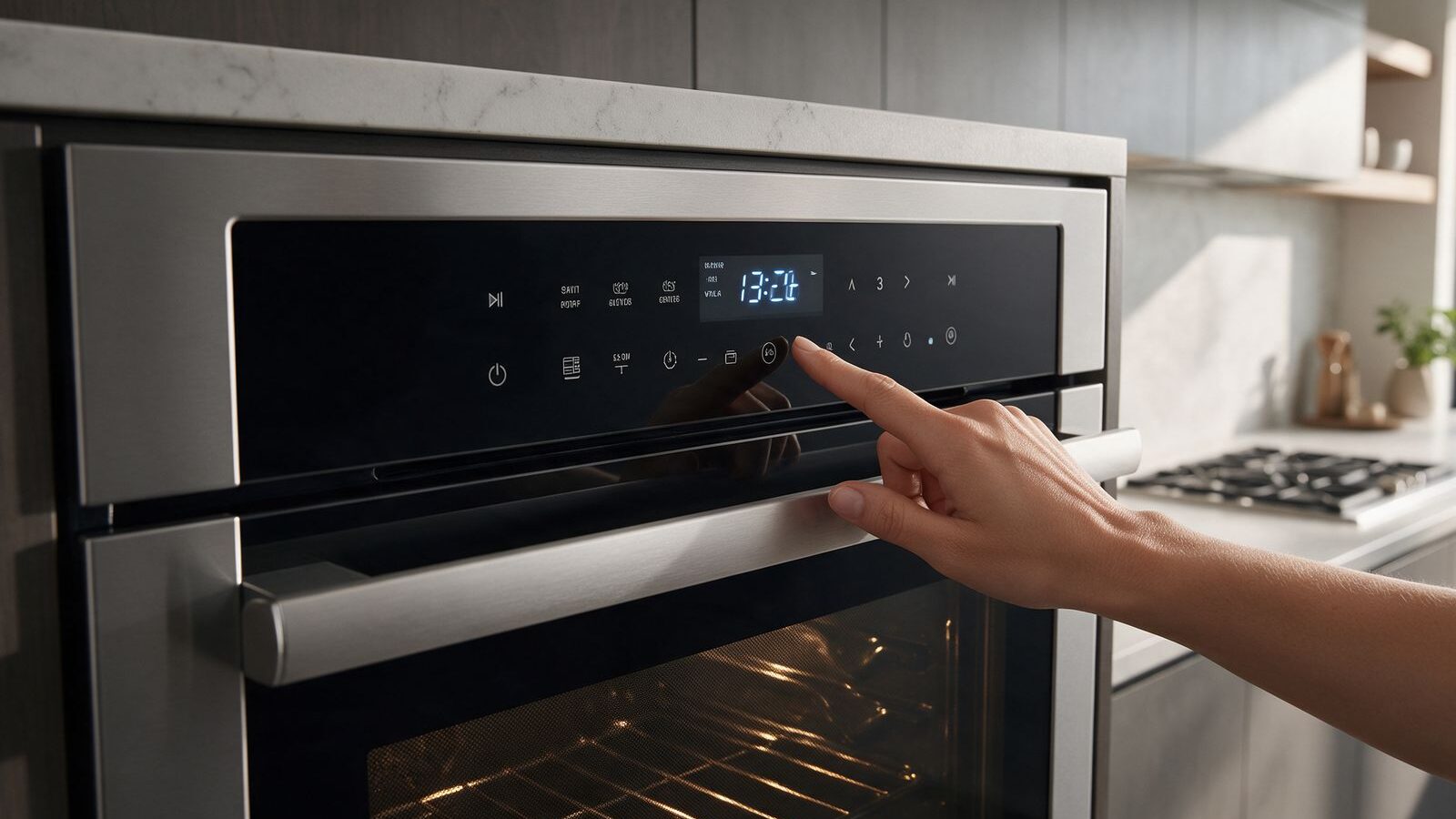
On many JennAir ranges and ovens, a flashing time of day means a power failure occurred, and pressing Cancel clears it. A power failure during a self-clean can leave the door locked or the cycle stopped. On some models, a wall oven F9 code can mean power-line noise during an outage.
Built-in refrigerators may show a power outage indicator if the freezer rose to 18F or higher, and PO flashes until acknowledged. Some models need manual restarting after an outage or surge, so confirm the unit is on.
| Appliance | Post-outage sign | First step |
|---|---|---|
| Wall oven | Lock icon or error | Wait cooldown; one breaker cycle |
| Column fridge | Warm temps / silence | Confirm breaker; allow 24h recovery |
| Dishwasher | Unresponsive touch | Door latched; breaker reset once |
Shut breakers to kitchen appliance circuits one at a time, wait thirty seconds, restore—do not repeat loops if faults return immediately. A one-minute wait is the documented interval on many ovens and cooktops.
If you smell burning or see scorch marks at outlets, stop resets and keep power off until inspected.
Safe to try
Leave to a technician
Single appliance dead while neighbors fine suggests localized surge or tripped breaker—not whole-home event misread.
Multiple appliances with touch failure but mechanical function OK often means shared neutral or sag issue needing electrician plus appliance check.
Check the quiet causes first. A control lock, which on some induction cooktops is Key Lock held for 3 seconds, leaves only the on/off keys active. Sabbath mode on refrigerators turns off lights, sounds, alarms and dispenser pads. Showroom mode lights the interior without cooling.
If those are not it, the documented reset for many appliances is to turn the breaker off for one minute and back on. For refrigerators the reset is 5 to 10 minutes off. After that, confirm that cooling is on, and schedule service if the problem continues.
Columns with thermal mass need up to twenty-four hours to stabilize after long outages—measure before calling for sealed-system repair.
Do not test every appliance at once. Start with one, look at its display, and note what it shows before pressing anything. A lock or mode indicator is not a failure, and a flashing clock is simply a power-failure signal.
Refrigeration deserves patience. Large warm loads take several hours to stabilize, and frequent door opening during recovery warms the cabinet. Judge cooling by measured temperature after time has passed, not by touch right after the power returns.
If a cooktop or oven has an interrupted cycle, do not start a new self-clean to test it. Let the oven cool, press Cancel, and follow the manual for your model.
Technicians test control power supplies, door locks, and compressor starts after outages—distinguishing surge-fried boards from settings and timers. A settings issue can be told from a part failure only after the basic states are ruled out.
We recommend whole-kitchen surge strategies at the panel for repeat outage regions—outside individual appliance fixes.
A flashing time of day means a power failure occurred. Press Cancel and set the clock.
Large loads of warm food can take several hours to stabilize, and the freezer needs time to reach temperature after an outage.
No. Many cases are lock, mode or settings issues. Service is for units that stay dead or show a fault after one reset.
Restore power with order: photograph, reset once, wait overnight on cooling, then call if faults persist. Calm beats cascade button trials across the suite.
Official manuals and support notes are available on JennAir owner support.
Write down the full model number before ordering parts. Board and sensor revisions can change which part number is correct.
A single power reset can clear a temporary fault, but repeated returns of the same code usually mean a physical cause remains.
Keep vents and filters clear between visits. Restricted airflow often mimics electrical or sensor failures.
If water, burning smells, or sparking are present, stop using the appliance and arrange a professional inspection.
Breaker off selected circuits can help; avoid partial plug yanks in built-ins.
Helpful for plugs; hardwired ovens need panel-level protection too.
Policies vary—document timing and symptoms.
Yes—persistent errors after proper reset warrant diagnosis.
What to Expect During a JennAir Appliance Diagnostic Visit should be handled as a sequence of questions. Each safe check should confirm…
Continue readingJennAir Error Codes: How to Read F and E Codes Safely should be handled as a sequence of questions. Each safe check…
Continue readingA focused diagnostic visit on JennAir built-ins saves time and repeat trips. A little preparation turns an hour on-site into answers—not another…
Continue readingShare a few details and we’ll confirm an appointment. Prefer to talk? Call us and we’ll help right away.