JennAir Trash Compactor Will Not Start should be handled as a sequence of questions. Each safe check should confirm or eliminate one condition while preserving codes, model information, and the original symptom for…
When a JennAir trash compactor will not start, the first things to look at are whether the drawer or door is fully closed, whether the controls are in a normal operating state and whether the appliance has power. If none of those explains it, stop there: the drive and safety interlocks are not an owner repair, and the symptom is more useful to a technician if it has not been disturbed.
JennAir Trash Compactor Will Not Start should be handled as a sequence of questions. Each safe check should confirm or eliminate one condition while preserving codes, model information, and the original symptom for model-aware diagnosis.
Do not change several conditions at once. If power is reset, settings are changed, filters are cleaned, and the appliance is moved in the same attempt, the evidence becomes harder to interpret.
JennAir compactors combine a high-force motor/drive system with drawer/door interlocks and limit controls. Safety switches are part of the protection system and must not be bypassed. Keep hands and tools out of the ram path.
Where a drawer-style compactor is concerned, an interlock normally confirms that the drawer is shut before the drive is allowed to run. On many compactors, that means a drawer that is not seated all the way, or a front panel that has shifted, can prevent the cycle from beginning. The use-and-care manual for your model describes how the controls and any lock feature work, so read it before drawing conclusions.
Power is the other branch. A compactor that is completely silent with a dark control panel points toward supply, while one that has lights or sounds but will not move points toward the closure, control state or drive side. Telling those two apart is the most helpful observation you can offer.
Change one condition at a time and record the result. Confirm the operating state, compare a related function that still works normally, perform one safe external check, and reassess. If the symptom remains, preserve codes and model information instead of stacking resets or guesses.
| What you observe | What it can point to | What you can safely check |
|---|---|---|
| No lights, no sound | No power reaching the appliance | Household breaker and the control state; do not open anything |
| Lights or display, but nothing moves | Closure, lock state or interlock | Confirm the drawer or door is fully closed and unlocked |
| Hums or strains, then stops | A load or drive-side problem | Stop using it and avoid reaching into the ram path |
| Works only when the drawer is pushed or held | Alignment or interlock position | Note exactly what makes the difference and stop there |
The goal is to collect evidence without changing several variables at once. One controlled observation is more valuable than repeated resets, random parts, or disassembly that changes the original symptom.
A result in one row does not prove the cause. A compactor that starts after you close the drawer firmly may still have a worn closure path that will fail again, while one that stays dead after a breaker check is not necessarily a bad motor, since power can fail between the panel and the appliance.
A good diagnostic visit should reproduce the symptom or use your observations to select a narrow test path. Depending on the appliance, that may mean comparing temperature or sensor readings, checking a fan or pump command, confirming water flow, evaluating ignition behavior, reading stored diagnostics, checking control output, or proving that the external installation and utility conditions are normal.
The goal is not to replace the most commonly mentioned part. The goal is to identify the failed system, confirm that the proposed repair matches the exact model, and explain what work is inside the appliance repair scope.
Check how the bag and the contents sit before assuming a fault. A bulging bag, an item standing up on its end or a bag pushed against the drawer can stop the drawer from closing properly, and a drawer that does not close all the way will not allow a cycle. Remove the obstruction with the appliance off, and keep hands out of the ram path.
Leave built-in, panel-ready, or tightly fitted JennAir appliances installed unless the service team specifically asks for access. Unplanned extraction can disturb cabinetry, panels, flooring, gas, water, drain, ventilation, or electrical connections and create a second problem.
If the appliance is integrated, provide access information when booking: custom panels, service elevators, gated entry, parking/loading limits, unusual cabinet clearances, or adjacent appliances that restrict service access.
Write down the complete JennAir model number, the exact symptom in one sentence, when it began, whether it is constant or intermittent, what related function still works normally, and any displayed code, message, light pattern, or alarm before power is reset. Also note recent power, water, gas, drain, ventilation, cleaning, filter, or installation events.
These details often reduce duplicate owner-level checks and help the technician arrive with a better model-specific starting point.
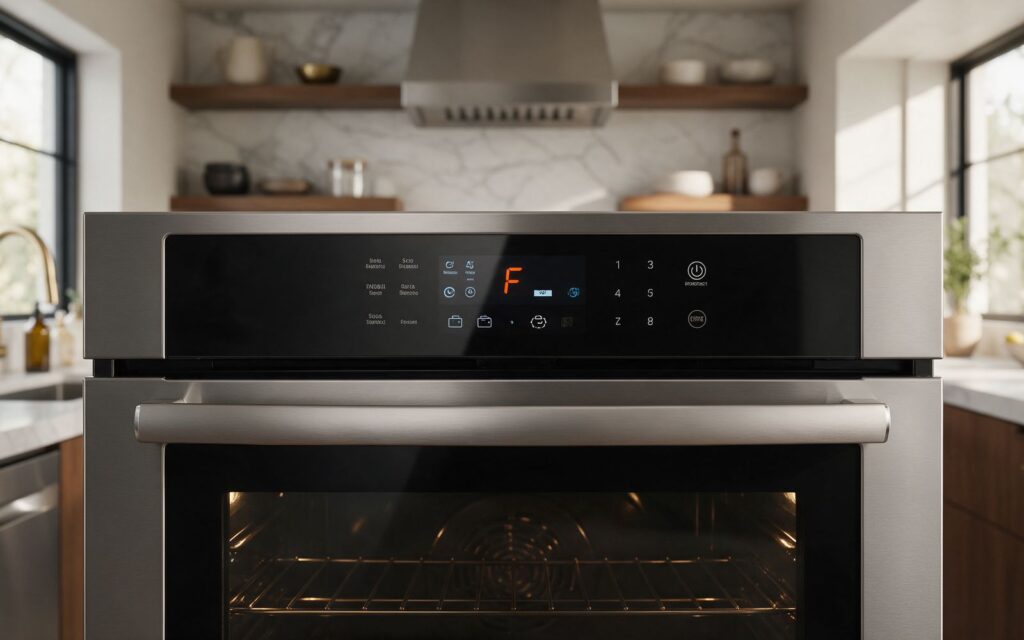
Do not clear codes before documenting them. Do not order a part because another JennAir owner reported a similar symptom. Do not apply one code meaning across unrelated appliance families. The site technical library must keep appliance/model context, especially for F/E-style codes that can appear on different platforms.
Avoid internal electrical testing, gas-pressure work, sealed-refrigeration work, safety-device bypassing, or microwave cabinet removal. Those steps require proper service information, tools, and training.
The most likely owner-visible reasons are a drawer or door that is not fully closed, a lock or control state, or a safety interlock that is not being satisfied. If the drawer is fully closed and the controls are normal, a technician can test the interlock and drive safely.
No. The interlock is part of the protection system, and defeating it exposes hands to the ram path. Leave it in place and have it tested.
For adjacent symptoms, read JennAir Error Codes: How to Read F and E Codes Safely and JennAir Oven Temperature Is Incorrect: Calibration or Repair?. The JennAir error-code directory and JennAir model directory should be used when the exact code/model context is known.
If the live production route differs from the route above, preserve the working existing slug and map the link to that URL rather than creating a duplicate page.
JennAir trash compactor stalled mid-stroke or ignoring the door switch? We diagnose drive and safety systems.
Use one normal manual-approved restart when appropriate. Record any code or message first. If the same symptom returns, repeated resets are not a repair.
Usually no. Similar symptoms can come from different components, installation conditions, or external utilities.
No. Keep homeowner checks external and model-appropriate.
Yes. JennAir has multiple product generations and appliance families. The same symptom or code can require a different diagnostic path on another platform.
What to Expect During a JennAir Appliance Diagnostic Visit should be handled as a sequence of questions. Each safe check should confirm…
Continue readingJennAir Error Codes: How to Read F and E Codes Safely should be handled as a sequence of questions. Each safe check…
Continue readingA focused diagnostic visit on JennAir built-ins saves time and repeat trips. A little preparation turns an hour on-site into answers—not another…
Continue readingShare a few details and we’ll confirm an appointment. Prefer to talk? Call us and we’ll help right away.