Why Your JennAir Refrigerator Is Not Cooling is easier to diagnose when the symptom is described in operating terms rather than reduced to one suspected part. The exact JennAir model, installation, and the sequence of…
A JennAir refrigerator that is not cooling is often responding to a condition rather than a failed part: showroom mode, a power interruption, blocked vents, a hot installation spot, or a recent big load. Check those first, and measure the fresh-food and freezer temperatures separately before changing anything. If cooling is still off after the conditions are corrected and time has passed, book service.
Why Your JennAir Refrigerator Is Not Cooling is easier to diagnose when the symptom is described in operating terms rather than reduced to one suspected part. The exact JennAir model, installation, and the sequence of events matter because premium built-in appliances often combine several systems in a compact installation.
Do not change several conditions at once. If power is reset, settings are changed, filters are cleaned, and the appliance is moved in the same attempt, the evidence becomes harder to interpret.
| Symptom | What it can point to | What you can check |
|---|---|---|
| Interior lights on but no cooling | Showroom (demo) mode, which turns on lights while the refrigerator and freezer do not cool | Look for Showroom on the display and turn it off as the manual directs |
| Warm after an outage; display dark or flashing | Some models need manual restarting after an outage or surge; the built-in power outage indicator may show PO | Confirm the unit is on, check the breaker, and acknowledge the indicator |
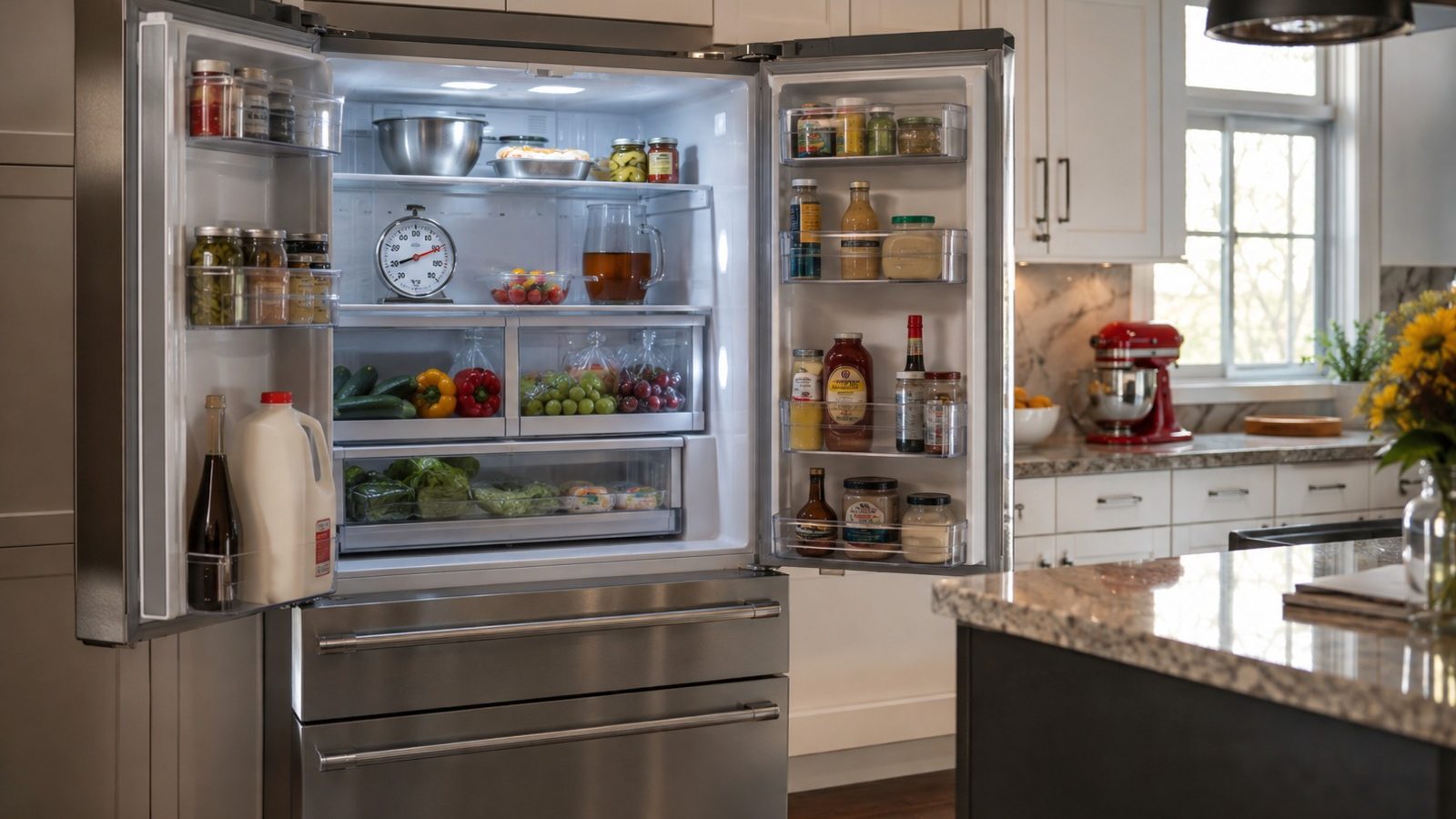
| Warm spots or uneven cooling | Return air vents blocked or items crowded against the walls | Leave small gaps between containers and clear the vents |
| Runs constantly in a warm kitchen | A hot room, a heat source nearby, or a blocked base grille | Check placement and clear the grille |
| Warm only after a big grocery load | A large warm load that needs hours to stabilize | Wait before judging cooling |
JennAir refrigeration includes built-in refrigerators, columns, freestanding units, undercounter refrigeration, beverage centers, refrigerator drawers, and wine-storage products. Installation style matters because a panel-ready column in custom cabinetry has different airflow and service-access constraints from a freestanding refrigerator. Measured temperatures and compartment-to-compartment comparisons are more useful than a quick touch test.
On many JennAir models the recommended room temperature is 55F to 110F, and the unit should not be installed where the room falls below 55F. The motor runs about 40% to 80% of the time at normal room temperature.
Installation affects cooling as well. A refrigerator should not sit near an oven, a radiator or another heat source, behind a cabinet door, or with the base grille blocked.
A visible symptom is the beginning of diagnosis, not the conclusion. Similar outward behavior can come from different components, installation conditions, or utility problems. Prove the pattern, rule out owner-accessible conditions, document the result, and stop before internal testing.
The goal is to collect evidence without changing several variables at once. One controlled observation is more valuable than repeated resets, random parts, or disassembly that changes the original symptom.
Controls are preset to the mid setting. If you change a setting, wait at least 24 hours before adjusting again, because the unit needs time to respond. After a new installation, allow 24 hours for the freezer to reach the right temperature.
If the controls are not responding, the manual points to Showroom mode and Sabbath mode first. Sabbath keeps the set points but turns off lights, sounds, alarms and the dispenser pads, which can look like a fault. The documented reset is to switch off the breaker or unplug for 5 to 10 minutes, then confirm that cooling is on.
A good diagnostic visit should reproduce the symptom or use your observations to select a narrow test path. Depending on the appliance, that may mean comparing temperature or sensor readings, checking a fan or pump command, confirming water flow, evaluating ignition behavior, reading stored diagnostics, checking control output, or proving that the external installation and utility conditions are normal.
The goal is not to replace the most commonly mentioned part. The goal is to identify the failed system, confirm that the proposed repair matches the exact model, and explain what work is inside the appliance repair scope.
Leave built-in, panel-ready, or tightly fitted JennAir appliances installed unless the service team specifically asks for access. Unplanned extraction can disturb cabinetry, panels, flooring, gas, water, drain, ventilation, or electrical connections and create a second problem.
If the appliance is integrated, provide access information when booking: custom panels, service elevators, gated entry, parking/loading limits, unusual cabinet clearances, or adjacent appliances that restrict service access.
Write down the complete JennAir model number, the exact symptom in one sentence, when it began, whether it is constant or intermittent, what related function still works normally, and any displayed code, message, light pattern, or alarm before power is reset. Also note recent power, water, gas, drain, ventilation, cleaning, filter, or installation events.
These details often reduce duplicate owner-level checks and help the technician arrive with a better model-specific starting point.
Do not clear codes before documenting them. Do not order a part because another JennAir owner reported a similar symptom. Do not apply one code meaning across unrelated appliance families. The site technical library must keep appliance/model context, especially for F/E-style codes that can appear on different platforms.
Avoid internal electrical testing, gas-pressure work, sealed-refrigeration work, safety-device bypassing, or microwave cabinet removal. Those steps require proper service information, tools, and training.
That is the pattern for Showroom mode, where the interior lights turn on but the refrigerator and freezer do not cool. The word Showroom may light on the display.
The manual advises at least 24 hours between adjustments. Changing it repeatedly can hide the real condition.
On built-in models, the power outage indicator turns on if the freezer rose to 18F or higher, and PO flashes with a red icon until it is acknowledged. Other control functions stay disabled until then.
For adjacent symptoms, read JennAir Refrigerator Leak Repair Cost: What Changes the Estimate and JennAir Refrigerator Ice Buildup: Causes and Safe Prevention Checks. The JennAir error-code directory and JennAir model directory should be used when the exact code/model context is known.
If the live production route differs from the route above, preserve the working existing slug and map the link to that URL rather than creating a duplicate page.
Column or French-door running warm, frosting unevenly, or pooling water? We diagnose JennAir refrigeration inside the install and restore stable temperatures.
Use one normal manual-approved restart when appropriate. Record any code or message first. If the same symptom returns, repeated resets are not a repair.
Usually no. Similar symptoms can come from different components, installation conditions, or external utilities.
No. Keep homeowner checks external and model-appropriate.
Yes. JennAir has multiple product generations and appliance families. The same symptom or code can require a different diagnostic path on another platform.
Warm sodas in a JennAir beverage center usually mean airflow, loading, or control issues—not a reason to overhaul a built-in bar column…
Continue readingWhen a JennAir wine column creeps warm or swings cold, stability—not brute force cooling—protects bottles and reveals the real fault.
Continue readingJennAir Microwave Runs but Does Not Heat is easier to diagnose when the symptom is described in operating terms rather than reduced…
Continue readingShare a few details and we’ll confirm an appointment. Prefer to talk? Call us and we’ll help right away.