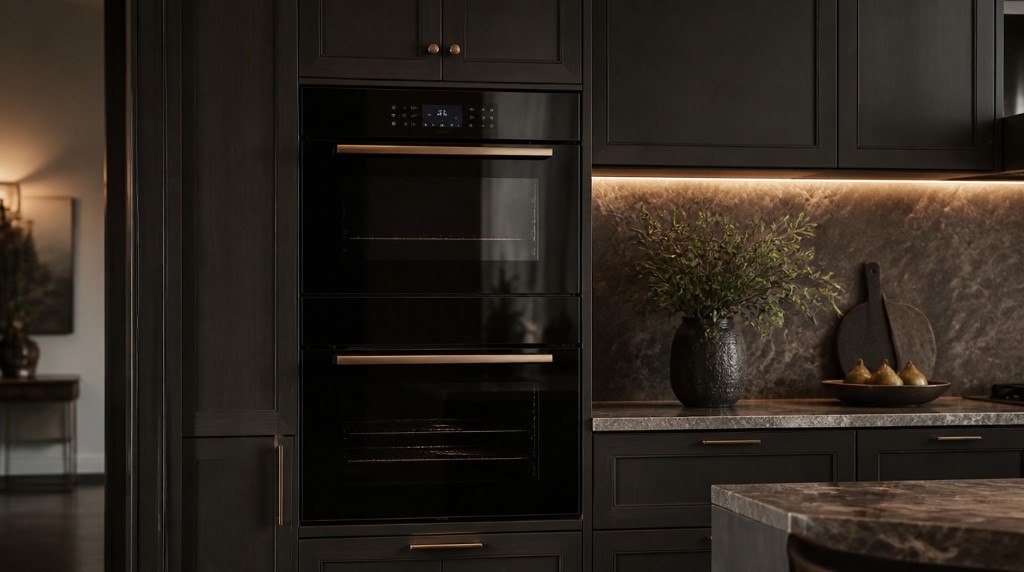

Uneven browning in a JennAir wall oven often reflects airflow, rack position, or a weakening bake element—not necessarily a failing control board.
Double wall ovens anchor many JennAir kitchens. When one rack browns while another stays pale, chefs blame recipes—but the cavity has its own temperament.
Even heat is a choreography of elements, convection fans, and cavity shape. Your job is to notice whether unevenness is new, seasonal, or tied to one mode only.
True convection moves air through a hidden fan and baffle. Blocked baffles or failed fan motors create stripes of color on sheet pans.
Hidden bake elements cycle on and off; a weak lower element shows up as soggy bottoms on pies while tops over-brown under broil-heavy cycles.
Multiple cavity sizes exist across JennAir lines—moving racks without reading mode-specific guidance guarantees uneven results even on healthy ovens.
| Pattern | Mode involved | Likely factor |
|---|---|---|
| Pale bottom, dark top | Standard bake | Bake element or rack too high |
| One side darker | Convection bake | Fan or baffle airflow |
| Slow overall browning | Any | Temperature offset or weak broil assist |
Rotate pans once mid-cycle—safe, practical, and diagnostic. If rotation fixes the issue temporarily, airflow or element zoning is suspect.
Never run self-clean to fix uneven bake; high heat stresses already marginal elements.
Safe to try
Leave to a technician
New unevenness after years of even bakes suggests element or fan wear—not user error. Lifelong hot corners may be cavity personality correctable with calibration.
Holiday multi-rack loads exceed design airflow; that is user load, not defect—unless a once-capable oven now struggles with two sheets.
In convection modes you should hear a steady fan. Silence while convection is selected is a red flag worth scheduling—not a cue to keep baking.
Technicians measure element amperage, fan RPM where accessible, and cavity temperature spread with calibrated probes—not guessing from one cookie sheet.
Control offset recalibration follows hardware verification on JennAir wall ovens.
Even browning is earned through mode, rack, and healthy elements. Tune your habits first; invite service when a previously reliable cavity develops persistent cold zones.
This article covers Hot And Cool Spots with practical checks you can run before booking a technician.
Official manuals and support notes are available on JennAir owner support.
Remember: Hot And Cool Spots is easier to resolve when you capture the model number and when Hot And Cool Spots first appeared.
Write down the full model number before ordering parts. Board and sensor revisions can change which part number is correct.
A single power reset can clear a temporary fault, but repeated returns of the same code usually mean a physical cause remains.
Keep vents and filters clear between visits. Restricted airflow often mimics electrical or sensor failures.
If water, burning smells, or sparking are present, stop using the appliance and arrange a professional inspection.
Often, but airflow and rack choice matter too.
Some models allow small offsets in settings—see manual.
Steam modes change airflow; expect different browning patterns.
Yes—bakeware color affects results on any oven.
Warm sodas in a JennAir beverage center usually mean airflow, loading, or control issues—not a reason to overhaul a built-in bar column…
Continue readingWhen a JennAir wine column creeps warm or swings cold, stability—not brute force cooling—protects bottles and reveals the real fault.
Continue readingWhen a JennAir ventilation hood sounds powerful yet smoke lingers, filters, duct runs, and fan health—not button labels—deserve scrutiny.
Continue readingShare a few details and we’ll confirm an appointment. Prefer to talk? Call us and we’ll help right away.