Model and serial plates on JennAir built-ins hide behind panels and toe-kicks. Knowing where to look saves time on every service call and parts order.
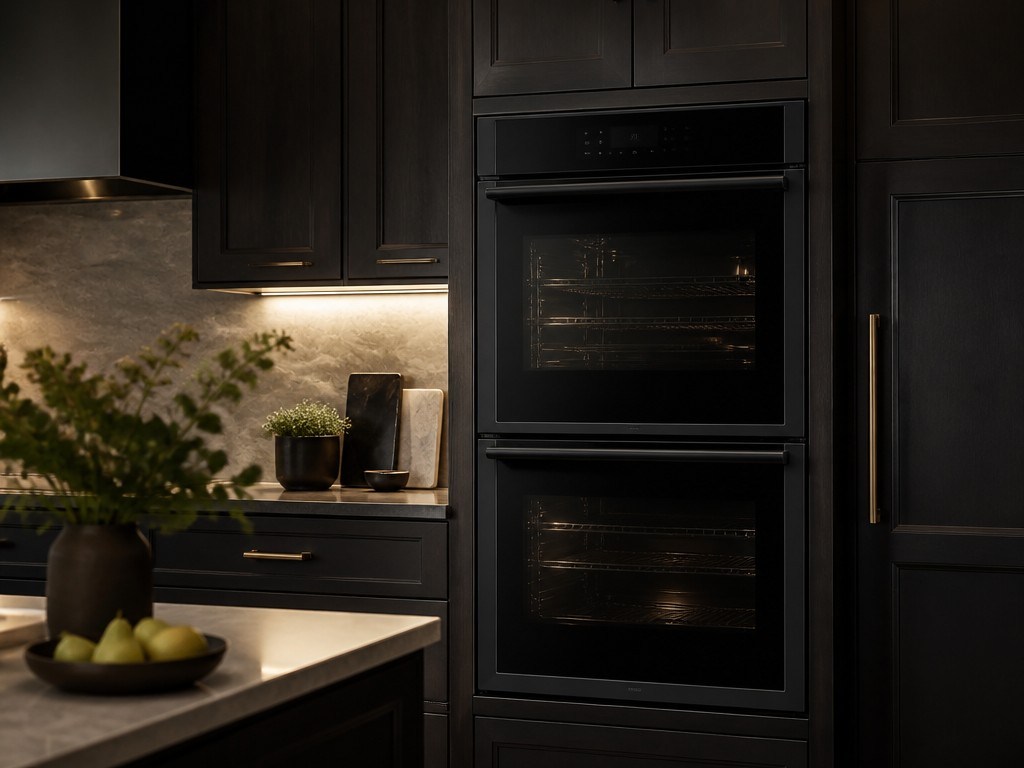
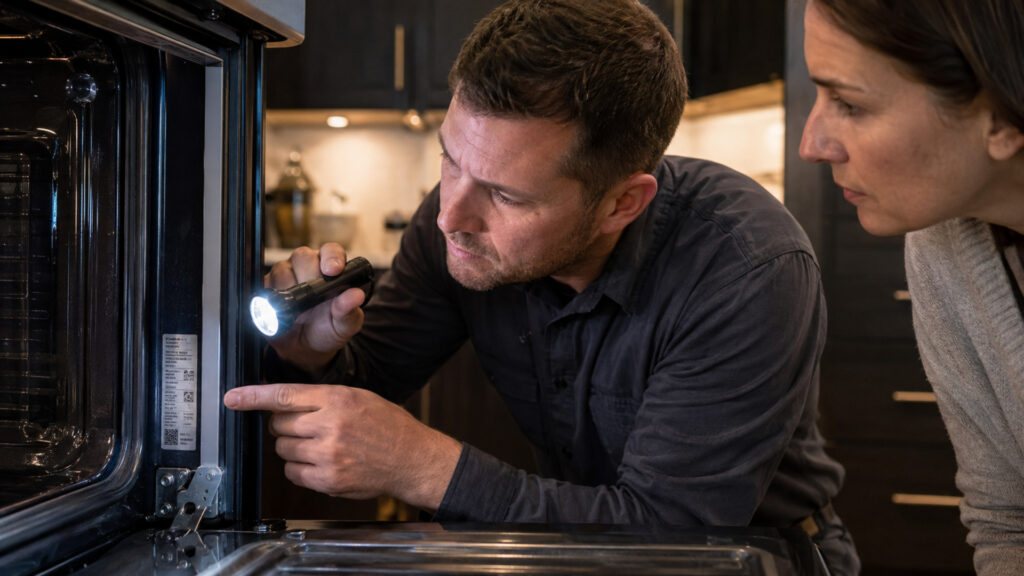
On built-in JennAir appliances the model and serial plate is usually somewhere you can read with the door or drawer open, but the spot varies by product. For a wall oven, the plate is on the right mounting rail, and for a dishwasher it is on the tub frame. For a warming drawer, the plate is behind the drawer, so read the manual or ask before removing anything.
Repair starts with accurate identification—JennAir built-ins share aesthetics across generations but not identical parts behind the same door style.
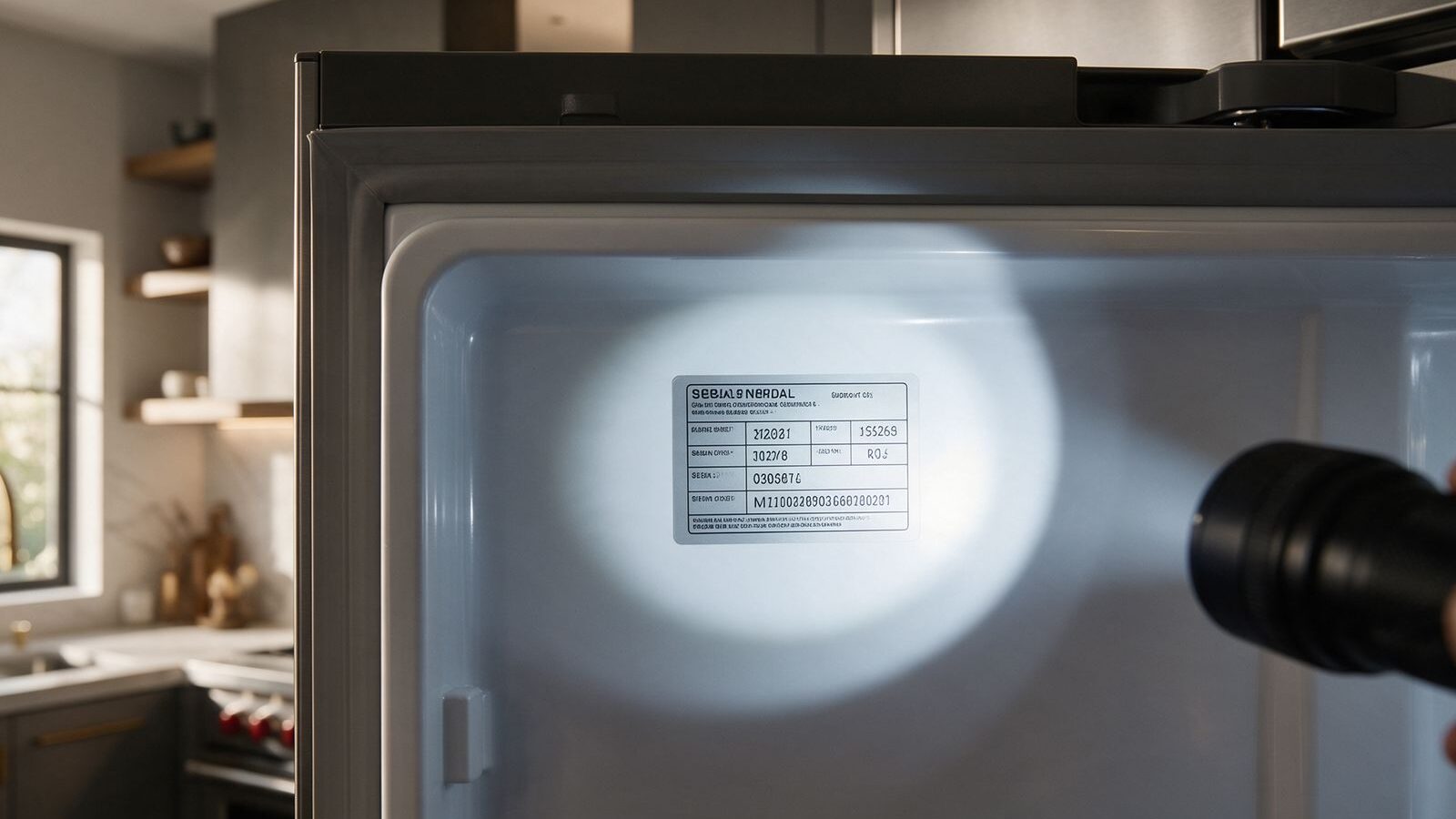
Photograph the rating plate before calling for service. A clear model number beats a kitchen description every time.
The exact model number matters because JennAir appliances that look alike can have different parts, controls and wiring behind the same door style. A short, accurate identification at the start of a service request keeps the conversation about the appliance rather than about the kitchen.
The location depends on the product. A wall oven plate sits on the right mounting rail, and a dishwasher label is on the tub frame.
The manufacturer’s product help pages list several locations that are worth knowing before you start hunting.
Column refrigerators often place the plate on the inner left or right wall behind fresh-food shelving, or on the ceiling of the cavity—visible with doors open.
Wall ovens and warming drawers frequently mount plates on the door frame edge or inner door lip, readable when the door is open wide.
Dishwashers and compactors tuck plates on the tub edge visible when the door or drawer opens; some require removing the lower rack or toe-kick for a duplicate label.
| Appliance | Common plate location | Tip |
|---|---|---|
| Column refrigerator | Inner side wall or ceiling | Use phone flash; avoid removing panels |
| Wall oven / microwave | Door frame or trim edge | Open fully; check both cavities on doubles |
| Rangetop / cooktop | Under burner box via service area | Owner view limited—photo if visible |
You do not need to remove appliance panels or move built-in columns to read primary plates in most cases—door-open locations suffice.
If a plate is worn, check purchase documents or builder spec sheets as secondary sources.
Manuals and literature for JennAir products are looked up by model number on the manufacturer’s manuals page, so a correct number also gets you the right use-and-care guide. A guide for a similar model can describe different controls, filters or reset steps, so good advice can still be wrong for a specific unit.
Safe to try
Leave to a technician
Steam and cleaners fade labels over years—a flashlight and angled phone shot sometimes recover embossed characters.
Remodels with reused appliances may lack paperwork; service can sometimes decode from partial serial via manufacturer databases during visits.
Upper and lower ovens may share one outward appearance but carry distinct model suffixes—photograph both if two plates exist.
A rating plate usually carries more than two numbers. Beyond the model and serial, it can show voltage, frequency and electrical rating, and that detail matters when a service visit has to confirm that an appliance is connected to a suitable supply. If the plate numbers and the installation do not match, that is worth mentioning when you book.
The serial number carries the manufacture date information, and that helps place the appliance in the right production period when parts or controls changed. Treat the model number as the main key and the serial as the supporting detail.
Door color, panel style, handle shape and the name printed on a trim kit do not identify a model. Two ovens with the same finish can differ in controls and parts, and a panel-ready front hides the appliance’s own look entirely.
Model numbers determine wiring diagrams, error code charts, and parts compatibility—especially critical across JennAir luxury lines with overlapping visuals.
We may verify plate data against unit configuration on site when labels are damaged. Plate data helps staff confirm that the parts discussed for your appliance match its exact configuration.
Thirty seconds with a camera inside the door saves hours later. Locate the plate once, store the photo, and every future repair conversation starts ahead of the game.
The manufacturer’s product help describes the model and serial rating plate on the right mounting rail of the oven. Open the door fully and look along that edge of the cavity opening.
Do not pull a built-in out to read it. Check the manual, purchase paperwork or installer documents first, and tell the service team the plate is not reachable so they can plan access.
No. The model number identifies the type of appliance, while the serial number identifies the individual unit. Service requests usually need both.
Manuals are looked up by model number, so without it you may be guessing at the wrong document. Paperwork from the purchase or installation is the next best place to find the number.
Official manuals and support notes are available on JennAir owner support.
Write down the full model number before ordering parts. Board and sensor revisions can change which part number is correct.
A single power reset can clear a temporary fault, but repeated returns of the same code usually mean a physical cause remains.
Keep vents and filters clear between visits. Restricted airflow often mimics electrical or sensor failures.
If water, burning smells, or sparking are present, stop using the appliance and arrange a professional inspection.
Helpful but not always mandatory—model strongly preferred.
Panels hide exteriors; interior plates remain accessible.
If you still have install packaging—yes; otherwise use on-unit plate.
Only if they match installed unit—verify on appliance.
Built-in JennAir replacements involve cabinetry, panels, and plumbing—not just box swaps. Repair often wins when the suite and finishes still have years…
Continue readingLuxury JennAir kitchens reward a calm maintenance rhythm—filters, seals, and ventilation—more than emergency heroics when guests are due.
Continue readingJennAir kitchens mix exposed stainless with panel-ready fronts. The wrong cleaner on either surface leaves permanent shadows in a room built to…
Continue readingShare a few details and we’ll confirm an appointment. Prefer to talk? Call us and we’ll help right away.